
Is AI Making Your Skills Obsolete? Master Image Prompt Engineering NOW
The world of creative work is shifting under our feet. Every day, a new AI tool emerges that can generate logos, illustrations, and stunning images in seconds. The fear is real: will AI replace my skills? The answer is no, but only if you evolve. The key to staying relevant—and becoming an indispensable expert—is to stop being a passive user and start being an active creator. You must master the art of AI image prompt engineering.
This isn’t about typing in a few keywords; it’s about learning the language of AI to unlock its full creative potential. It’s the most critical skill for anyone in design, marketing, or digital content creation today. This detailed guide will give you a complete, step-by-step framework to create stunning, purposeful visuals on any platform, from Midjourney to DALL-E and beyond.
Part 1: The Core of a Great Prompt
A great AI prompt is not a list of random words. It’s a structured command with essential ingredients that guide the AI from a vague concept to a precise masterpiece. Think of it as writing a script for a movie: you need a subject, a setting, a style, and clear direction.
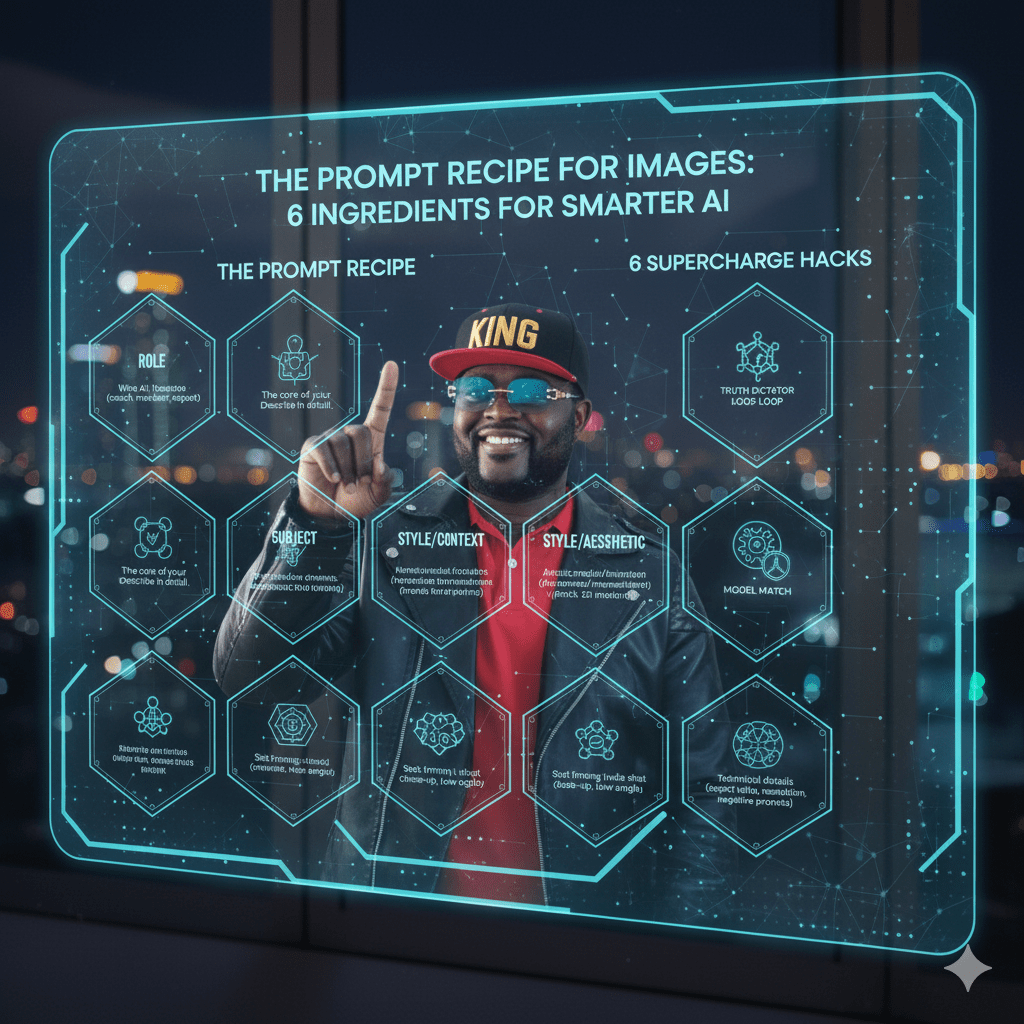
The Prompt Recipe: Your 6 Key Ingredients
Here’s the fundamental template you can start using today:
[Subject] [Action/Context], [Style/Aesthetic], [Lighting], [Composition], [Rules/Parameters]
Each part plays a crucial role in shaping the final output. !

As generative AI explodes, mediocre prompts deliver disappointing images. Those who master prompt engineering will stand. This tutorial provides a fool‑proof recipe for crafting professional‑quality image prompts.
The Six Ingredients of Compelling Prompts
- Subject – Who or what is in your scene? A Victorian‑era woman, a futuristic skyline or a bowl of ramen?
- Action – What’s happening? Walking through fog, levitating or exploding into pixels?
- Style – Select an art movement or medium (e.g., impressionist painting, cyberpunk illustration, photorealistic 3D render).
- Lighting – Describe conditions like golden‑hour sunlight, neon glow or moody chiaroscuro.
- Composition – Specify framing (close‑up portrait, bird’s‑eye view) and camera lens (50 mm prime, fisheye).
- Rules & Parameters – Include aspect ratio, negative prompts (no blur, no text) and platform‑specific parameters. Avoid contradictory instructions or vagueness.
Part 2: The Power of Specificity: Before & After
The difference between a bad prompt and a great one is the level of detail. A vague prompt leaves everything to chance, while a detailed one gives you control.
Bad Prompt (Vague): a forest
This is the equivalent of telling a movie director to “shoot a scene with trees.” It will produce an image, but it will be generic and uninspired.
Good Prompt (Detailed): A breathtaking hyper-realistic photograph of an ancient, enchanted forest at dawn. The path is covered in morning mist and glowing mushrooms, with soft shafts of golden light filtering through the dense tree canopy. Macro photography, volumetric lighting, rich detail, hyper-realistic.
The good prompt uses our recipe. It specifies the Subject (“ancient, enchanted forest”), Style (“hyper-realistic photograph”), Lighting (“golden light filtering through the canopy”), Composition (“macro photography”), and Rules (“volumetric lighting, rich detail”). !

Part 3: Common Mistakes to Avoid
As you begin, you’ll likely run into a few common pitfalls. Learning to avoid them will accelerate your progress.
- Being Too Vague: A generic prompt like “a superhero” will give you a generic result. Be specific: “a female superhero with a glowing sword and a sleek, futuristic suit, flying over a futuristic city at night”.
- Using Contradictory Terms: Avoid using words that conflict with each other, such as “minimalist and highly detailed”. This confuses the AI and leads to unpredictable results.
- Ignoring the Iterative Process: The first prompt is rarely the final one. You will need to regenerate images and refine your prompt based on what’s missing or inaccurate. It’s a skill that requires practice and patience.
Your Next Step: Start Creating
Beyond the Basics
Refine your prompts by adding camera settings, colour palettes or storytelling cues. For advanced control, learn about AI model parameters (CFG scale, seed). Explore our article on the AI tsunami and prompt engineering’s importance for more context.
FAQ
Q: Which AI tools support image prompts?
A: Stable Diffusion, Midjourney and DALL·E accept detailed prompts; each has unique syntax.
Q: How many words should a prompt be?
A: Around 30–60 words offer enough detail without overwhelming the model.

Leave a comment